
Check This iPhone Setting to Make Texting Better for Everyone
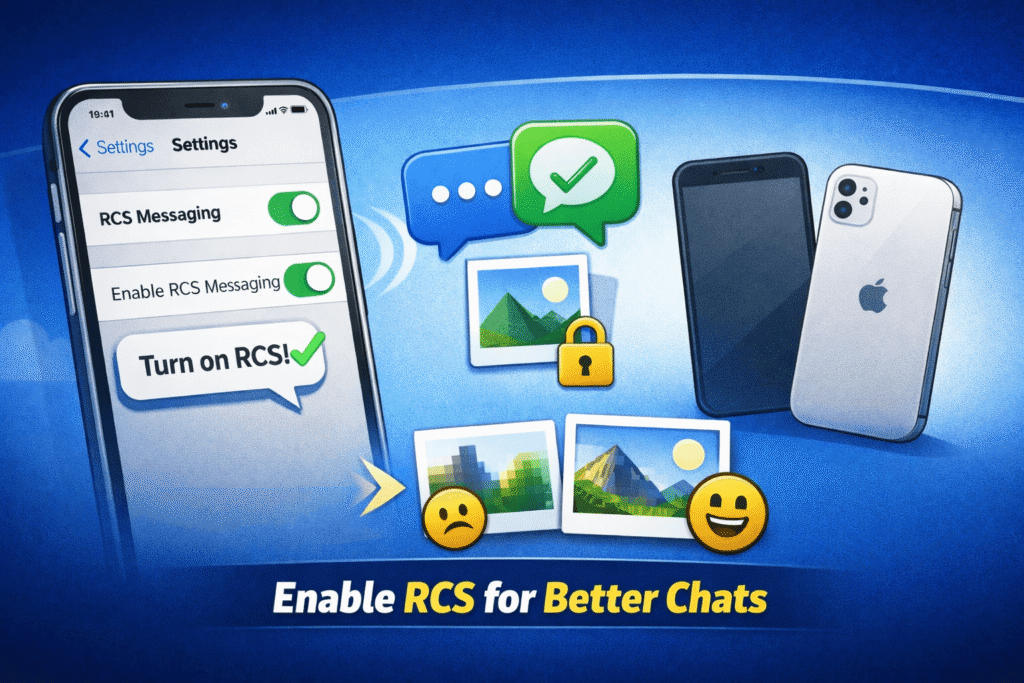
Most people don’t realize it, but a small setting on your iPhone could be the difference between crystal-clear messages and blurry, low-quality texts when chatting with Android users. The culprit? RCS messaging.
What Exactly Is RCS?
RCS stands for Rich Communication Services — the modern upgrade to the outdated SMS and MMS system. Think of it as the “next-generation texting” standard that bridges the gap between Android and iPhone users.
With RCS, you can enjoy features like:
- Read receipts (know when your message has been read)
- Typing indicators (see when someone is replying)
- High-quality photos and videos instead of pixelated MMS versions
- End-to-end encryption for more privacy
- Wi-Fi messaging instead of relying on mobile data or SMS
For years, these perks were locked inside Apple’s iMessage ecosystem — but RCS is the key to bringing similar features to cross-platform chats.
Why You Should Check Your Settings
Even if you’ve enabled RCS before, iPhone updates can sometimes disable it automatically. When that happens, your chats with Android users fall back to old-school SMS. That’s when you notice:
- No blue or typing bubbles
- Blurry pictures or videos
- Messages that take longer to send or don’t show delivery status
The good news? Fixing it takes less than a minute.
How to Enable RCS on iPhone
- Open your Settings app
- Tap Messages
- Select RCS Messaging
- Turn the RCS Messaging toggle ON
That’s it. You’ve just upgraded your texting experience.
💡 Pro tip: If you use multiple Apple devices (like an iPad or Mac), check that RCS is enabled on all of them to keep your messaging experience consistent.
For Android Users
If you’re using an Android phone, RCS is usually on by default — but it doesn’t hurt to confirm. Here’s how:
- Open your Messages app
- Tap your profile icon or settings menu
- Select RCS Chats (sometimes called “Chat features”)
- Make sure it’s toggled ON
Once enabled, you should see “Chat features are ready” or a similar confirmation.
The Bigger Picture
The move toward universal RCS support isn’t just about clearer images or fancy features — it’s about breaking the walls between ecosystems. For years, texting between iPhone and Android users felt like stepping back in time compared to iMessage or WhatsApp. Now, RCS brings parity, reliability, and encryption to standard texting.
And with Apple officially confirming RCS support in future iOS versions, it’s clear the world is moving toward one unified, smarter texting standard.
So go ahead — check that setting today. Your Android friends (and your future self) will thank you.