
10 Smart Hacks Every Nintendo Switch and Switch 2 Owner Should Know
Get the most out of your Nintendo console like a pro.
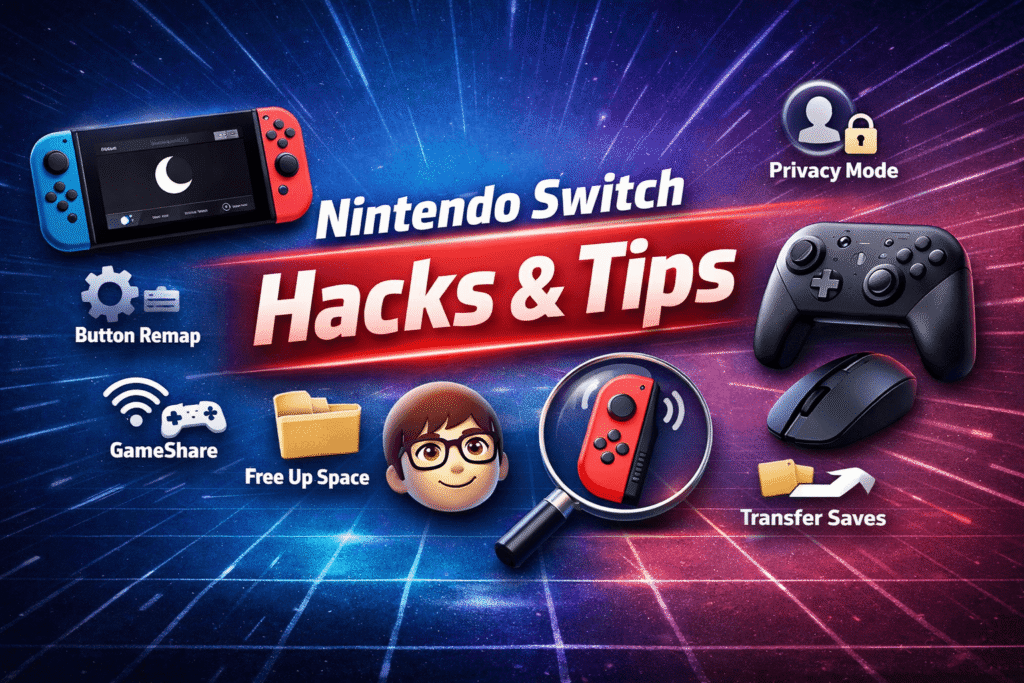
The Nintendo Switch has always been a brilliant mix of portability and power — and the Switch 2 takes that even further. But even though these consoles are intuitive, many users never scratch the surface of what they can really do.
Whether you’re a longtime gamer or just unboxed your new Switch, these 10 practical hacks will help you unlock hidden features, save storage, customize your controls, and make your gaming sessions smoother than ever.
1. Turn On Dark Mode for Comfort and Battery Savings
If bright menus aren’t your thing, dark mode is your best friend.
- How to enable: Go to System Settings → Themes → Basic Dark.
This simple tweak gives your dashboard a sleek, black finish — and if you’re using a Switch OLED, it might even save a little battery life.
2. Remap Your Joy-Con Buttons for Comfort or Accessibility
You can completely change what each button does.
- On Nintendo Switch: Go to System Settings → Controllers and Sensors → Change Button Mapping.
- On Nintendo Switch 2: Go to System Settings → Accessibility → Button Mapping.
The Switch 2 even lets you set up Quick Mapping for on-the-fly changes and assign new functions to the GL/GR buttons on Pro or Joy-Con 2 controllers.
Perfect for players who want faster combos, left-handed layouts, or just a more comfortable setup.
3. Use GameShare and GameChat to Play with Friends Without Buying Extra Copies
Nintendo has made multiplayer easier — and cheaper.
- GameShare (local): Lets Switch 2 owners share their games wirelessly with nearby players, even those on the original Switch. It’s like the old DS Download Play feature reborn.
- GameChat (online): Allows Switch 2 users to chat and stream games live to friends. You can voice chat, screen share, and even play together instantly.
👉 GameChat is free until March 31, 2026. After that, you’ll need a Nintendo Switch Online membership.
4. Free Up Storage Space Without Losing Your Games
The Switch’s storage fills up fast — especially with AAA titles.
- How to archive: Highlight a game → Press “+” → Manage Software → Archive Software.
This removes the game files but keeps your save data and icon so you can re-download easily.
For bigger cleanups, use System Settings → Data Management → Quick Archive to see what’s eating space.
Pro tip: Move games to a microSD card (or microSD Express on Switch 2) for more flexibility.
5. Send Your Screenshots Straight to Your Phone
No more messy SD card transfers.
- On Switch: Open Album → A → Send to Smartphone.
- On Switch 2: Choose Upload to Smart Device (manually or automatically).
Then, open the Nintendo Switch app on your phone to view and download your screenshots or clips. Files stay in the cloud for 30 days, so you won’t clog your phone storage.
6. Transfer Your Save Data Between Consoles
Upgrading to a Switch 2? Keep your progress.
During setup, select Begin System Transfer and keep both consoles nearby. Your games and saves will move automatically.
If you missed that step, you can also transfer saves manually via System Settings → Data Management → Transfer Your Save Data — locally or through the cloud with a Nintendo Online membership.
7. Create or Edit Miis (Yes, They Still Exist!)
Miis are still alive — and fun to make.
Go to System Settings → Mii → Create/Edit a Mii.
You can start from scratch, use presets, or even create a Mii from an amiibo. Some games, like Super Smash Bros. Ultimate, still support Mii characters as fighters.
8. Hide Your Online Activity for Privacy
Sometimes, you just want to play without friends knowing.
- Go to Profile Icon → User Settings → Friend Settings → Display Online Status → No One.
To hide your recent games too, go to Play Activity Settings → No One.
Now you can enjoy your solo sessions in peace.
9. Try Mouse Mode on the Switch 2 (Even with a USB-C Mouse)
One of the Switch 2’s coolest upgrades is Mouse Mode — letting you control menus or even aim in games like Cyberpunk 2077 using Joy-Cons or a connected USB-C mouse.
You can also buy mouse shells for Joy-Cons to make aiming more natural. While not every game supports it, the feature adds a surprising PC-like experience to the console.
10. Ping Your Lost Controllers
Lost your Joy-Con under the couch again? The Switch has you covered.
Go to Controllers → Find/Search for Controllers and select the missing one. It’ll start vibrating until you find it. Simple, but lifesaving.
Final Thoughts
The Nintendo Switch ecosystem is packed with hidden tools most players never touch. Whether you’re customizing controls, organizing your storage, or finding smarter ways to play with friends, mastering these 10 hacks will make your gaming experience smoother, faster, and way more enjoyable.
So go ahead — explore those settings menus. You’ll be surprised how much power is sitting right there on your console.