
Android Users Can Finally Remove Titles from “Continue Watching”
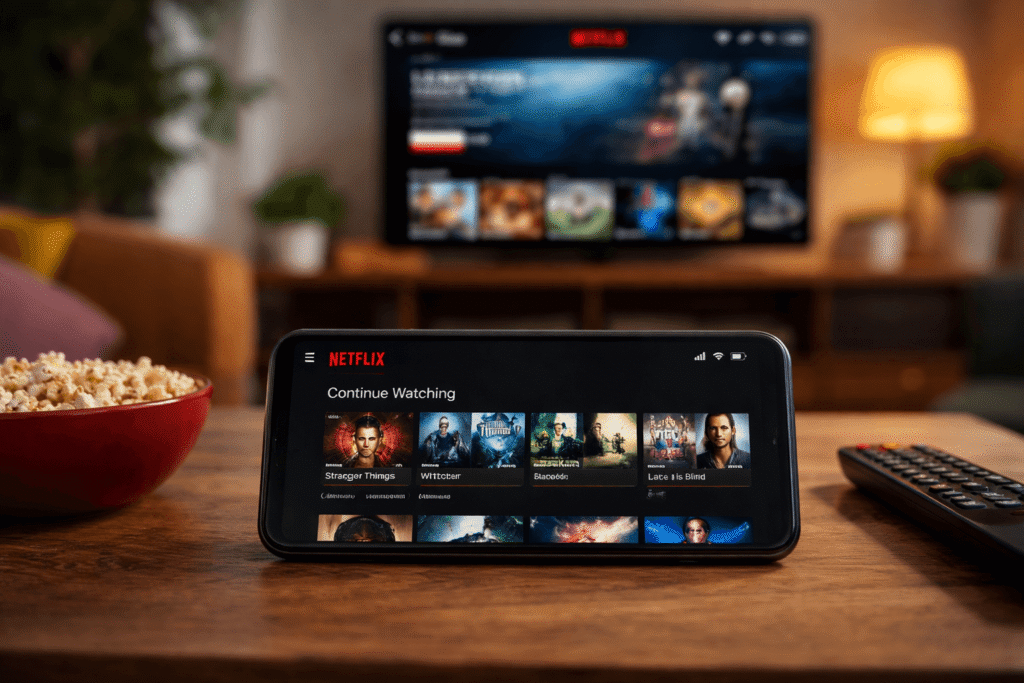
If you’re tired of seeing unfinished or unwanted shows cluttering your Netflix Continue Watching list on Android, there’s good news — Netflix has finally fixed that.
With the latest Netflix Android update, users can now remove shows and movies from their Continue Watching row directly on their mobile devices. This small but powerful feature gives Android users more control over their viewing experience — no more seeing old titles you’ve long abandoned.
Why This Netflix Android Update Matters
For years, Netflix users on Android had no easy way to clean up the Continue Watching section. If you tried a show once or finished a movie months ago, it could linger on your screen indefinitely.
This new update changes that. You can now organize your Netflix homepage, improve recommendations, and even hide content you’d rather not show up again. It’s a smarter, cleaner, and more private way to manage your streaming experience.
How to Remove a Title from “Continue Watching” on Android
Follow these simple steps to use the new feature:
- Update your Netflix app to the latest version on your Android device.
- Open Netflix and scroll to the Continue Watching row.
- Tap the three-dot menu (⋮) next to the show or movie you want to remove.
- Select “Remove From Row.”
The title disappears instantly — no extra steps needed.
Tip: If you don’t see this option yet, the feature may not have reached your device. Netflix is rolling out the update gradually across Android users worldwide.
Removing Titles on Other Devices
If you use Netflix on a smart TV, laptop, or tablet, you can still remove unwanted titles by editing your viewing history. Here’s how:
- Go to Netflix.com on a web browser and log in.
- Click your profile icon and choose Account → Viewing Activity.
- Tap the “Hide” icon next to any show or movie you want gone.
- To wipe everything, choose “Hide All.”
This method deletes the title from your entire Netflix account, not just your Android app.
Benefits of Cleaning Your Continue Watching Row
- Improved recommendations: Netflix’s algorithm tailors suggestions based on your watch history — cleaning it up means better, more relevant recommendations.
- Better privacy: You can quietly remove shows you’d rather not share with others using your account.
- Cleaner interface: No more clutter or reminders of old content.
Final Thoughts
The new Netflix Android feature may seem small, but it’s a major quality-of-life improvement for binge-watchers. It gives you more control, cleaner recommendations, and a more personalized streaming experience.
So if you haven’t already, update your Netflix app today — and start removing those old titles from your Continue Watching list for a fresh start.