
The Student Planner App That Actually Simplifies Studying
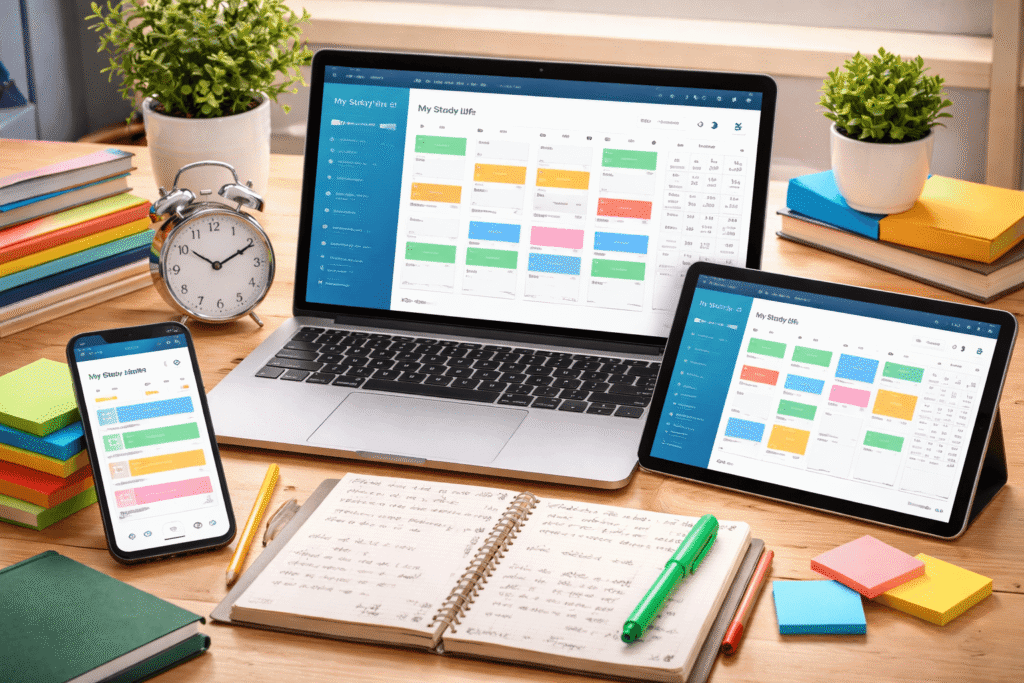
Managing classes, assignments, and personal life can feel overwhelming for students trying to stay organized. That’s where My Study Life, a free cross-platform planner app, proves its worth. Designed specifically for students, it combines the features of a digital calendar, assignment tracker, and revision planner—all in one place.
What Makes My Study Life Different
Unlike general-purpose tools such as Google Calendar or Apple Calendar, My Study Life was built for the academic experience. You can schedule classes, track homework, add exam dates, and even mark school breaks. The app automatically syncs your data across Android, iOS, and desktop browsers, giving you quick access wherever you study.
The interface is simple and color-coded, making it easy to see everything due each day or week. You can also enable reminders to stay ahead of deadlines—ideal for anyone balancing multiple courses.
A Smarter Way to Schedule
The real power of My Study Life lies in its calendar and scheduling system. With a single tap, you can add new classes, assignments, or exams using the “+” icon. The app allows recurring schedules, such as weekly lectures, and breaks them down into daily, weekly, or monthly views.
Each event type—class, exam, task, or holiday—has its own color label, making it visually clear where your time is going. This setup helps with time-blocking, a proven productivity technique where you dedicate specific hours to tasks, keeping your study routine balanced and structured.
Great for Popular Study Techniques
Students who use structured study methods like the Leitner system (spaced repetition for flashcards) or the 2-3-5-7 revision method will find My Study Life particularly effective. By setting recurring reminders, you can build consistent study habits without missing a review session.
In other words, this app doesn’t just organize your schedule—it supports evidence-based learning strategies that improve memory and academic performance.
The Focus Timer: A Work in Progress
My Study Life also includes a built-in focus timer, based on the Pomodoro Technique, which encourages you to work in intervals (usually 25 minutes of work followed by a 5-minute break). This feature helps reduce distractions and increase concentration.
However, the current version has one key flaw: the timer pauses when your phone is locked or the app is minimized. Competing focus apps such as Flora and FocusPomo don’t have this issue. Until fixed, you’ll need to keep the app open for the timer to function properly.
Cross-Platform Access
Flexibility is another major strength. You can use My Study Life on your phone, tablet, desktop, or even your Apple Watch. This makes it easy to log new tasks or check your schedule whether you’re at your desk or on the move.
For heavy input—like adding several courses—it’s often faster to use the desktop version. Everything syncs instantly, so your updates appear everywhere.
Free vs. Paid Plans
The free version of My Study Life already includes most of what students need:
- Class and assignment scheduling
- Exam and reminder tracking
- Notifications and recurring events
But if you want extra functionality, you can upgrade for $4.99/month or $29.99/year, unlocking:
- Grade tracking
- Subtasks for complex projects
- Widgets and dark mode
- Non-academic task management (“Xtras”)
If you only need a reliable academic planner, the free version is enough. The premium plan is best for students who want detailed task breakdowns and progress tracking.
Final Verdict
My Study Life is one of the best planner apps for students in 2026. It’s clean, intuitive, and built for the realities of student life—balancing lectures, assignments, and exams with minimal stress.
While the focus timer still needs work and a few features require a subscription, the free version provides more than enough value to transform how you organize your studies.
Overall Rating: ★★★★☆ (4.5/5)
Best For: Students who want an all-in-one academic planner that syncs across devices and boosts productivity.