
5 Apple Shortcut Hacks Every iPhone User Should Know (Part 1)
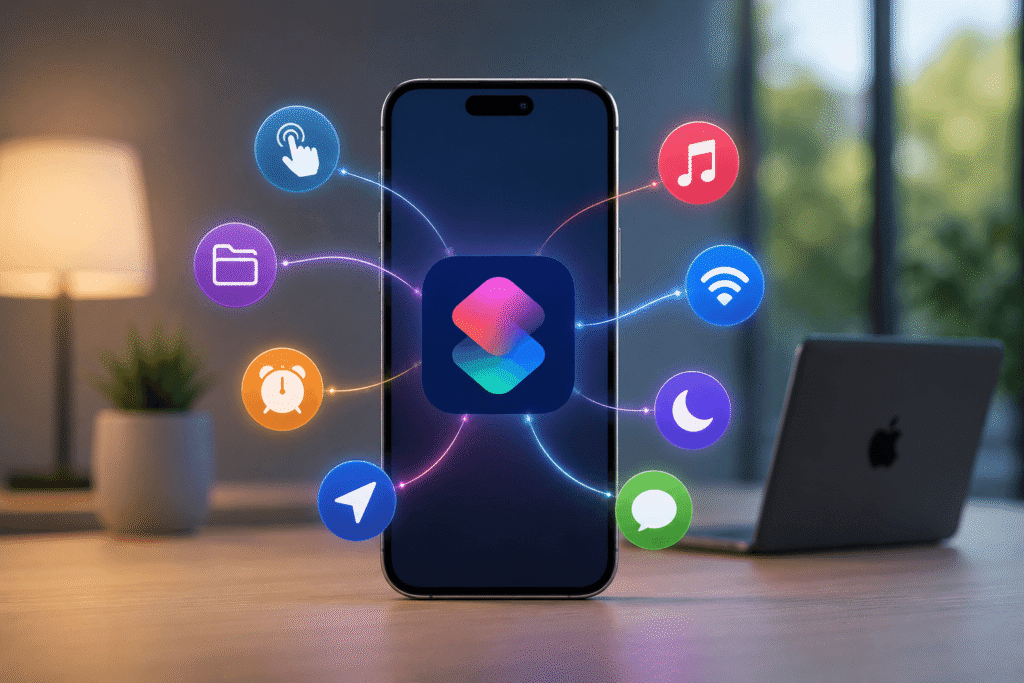
The Shortcuts (Apple) app on Apple turns your iPhone into a customizable automation system instead of a fixed toolset.
At its core, Shortcuts connects triggers (time, button press, location, charging state) to actions (open apps, send messages, control settings). Once you understand that structure, you can start building real productivity systems—not just shortcuts.
Below are 5 practical automations that show what the system can actually do.
1. Turn the Action Button into a Multi-Tool Controller
On supported iPhones, the Action Button is normally limited to one function. Shortcuts removes that restriction.
By using a multi-action setup, you can assign different tasks depending on input combinations (like button press patterns combined with volume buttons). That means one physical button can trigger multiple workflows—launch music, send a message, or toggle settings depending on how you interact with it.
This effectively turns a single hardware button into a programmable control hub.
2. Turn RSS Feeds into Daily News Notes
Instead of opening multiple news apps, you can automate updates directly into Apple Notes.
This setup pulls content from RSS feeds and converts them into structured summaries. When run, it generates a clean digest of headlines with simplified AI-style summaries stored in Notes.
Result: no browsing clutter, just a structured news briefing you can scan in seconds.
3. Save Videos from X Automatically
The platform X doesn’t make video downloads straightforward, but Shortcuts bypasses that limitation.
Once set up, the shortcut integrates with the iOS share sheet. You tap share on a video post, run the shortcut, and it saves the file locally.
This removes dependence on third-party apps or unstable browser tricks.
4. Smarter Apple Music Control (Music Automation System)
With Apple Music, Shortcuts becomes a full playback control system.
You can:
- Surface recently added songs
- Build smart playlists
- Clear queues instantly
- Play top tracks or forgotten favorites
- Control playback on AirPlay devices
The key advantage is consolidation—multiple music actions in one command instead of navigating menus.
5. Save and Log Your Current Location
This shortcut captures your exact GPS position and stores it automatically.
It can:
- Save parking locations
- Track travel points
- Log distance or movement history
- Store coordinates in Notes or clipboard
It becomes especially powerful when combined with automatic triggers (like time or movement detection), turning passive location tracking into a structured log system.