
5 Apple Shortcut Hacks Every iPhone User Should Know (Part 2)
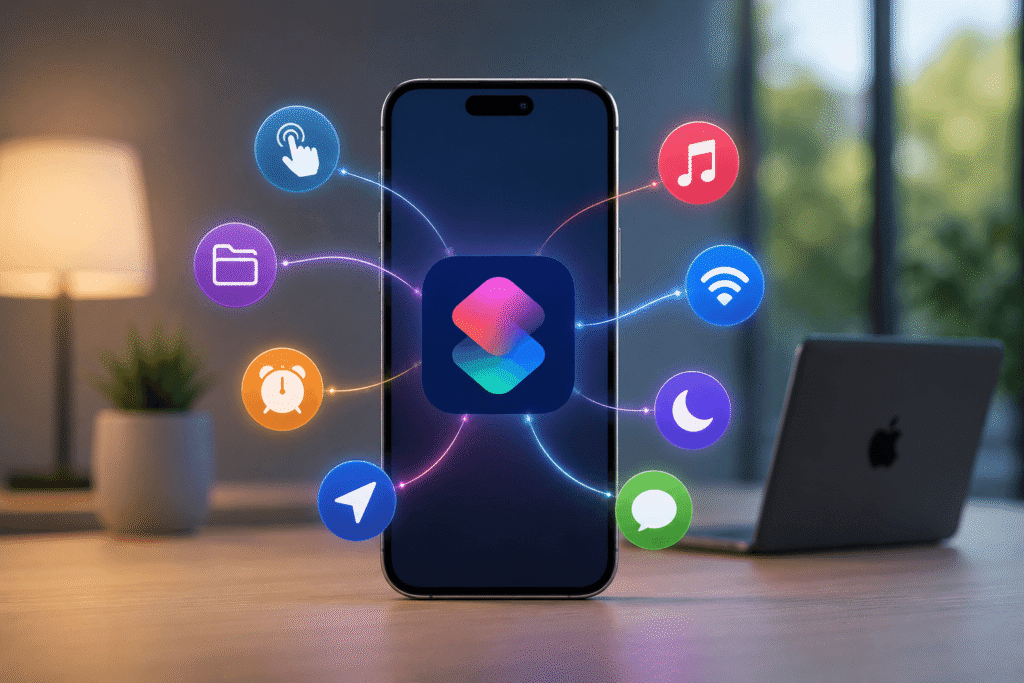
This section focuses on automation triggers—where Shortcuts stops being manual and starts reacting to your environment.
1. Smart Low Battery Alerts with Custom Voice Feedback
Instead of the default low-battery warning on your iPhone, you can build custom alerts that speak to you.
By combining Shortcuts with automation triggers and AI text generation (optionally via ChatGPT), your phone can:
- Warn you at specific battery levels
- Use custom messages
- Speak in different tones or styles
This is more flexible than system defaults because you control both timing and message behavior.
2. Instant Song Recognition and Save
Instead of just identifying music, this shortcut extends Shazam behavior.
When activated, it listens to nearby audio, identifies the track, and automatically saves it into your music library.
The advantage is persistence—songs are not just identified, they are stored for later listening.
3. Morning Routine Automation After Alarm Stops
This automation triggers when your alarm is dismissed.
It can:
- Start a playlist in Apple Music
- Show travel time using Apple Maps
- Display schedule or reminders
Instead of waking up and manually opening apps, your phone builds a structured start to the day automatically.
4. Battery Warning Before Leaving Home
This automation checks battery status when you exit a defined location (like home).
If battery is low, it triggers a warning before you step out.
It works by combining:
- location detection
- battery level check
- alert output
The point is simple: prevent predictable failure (dead phone away from a charger).
5. Car-Based Automations with CarPlay
With CarPlay, your phone can detect when you enter a vehicle.
Once connected, it can automatically:
- Start podcasts or music
- Display weather conditions
- Launch navigation routes
It turns driving into a pre-configured environment instead of a manual setup process every time.
Bottom line
Shortcuts is not a “feature app.” It’s a logic layer on top of your iPhone. Once you understand triggers and actions, you stop using your phone manually for repetitive tasks—and start delegating them.