
Apple and Google Just Made Switching Between iPhone and Android Easier
Finally, users get the freedom they deserve.
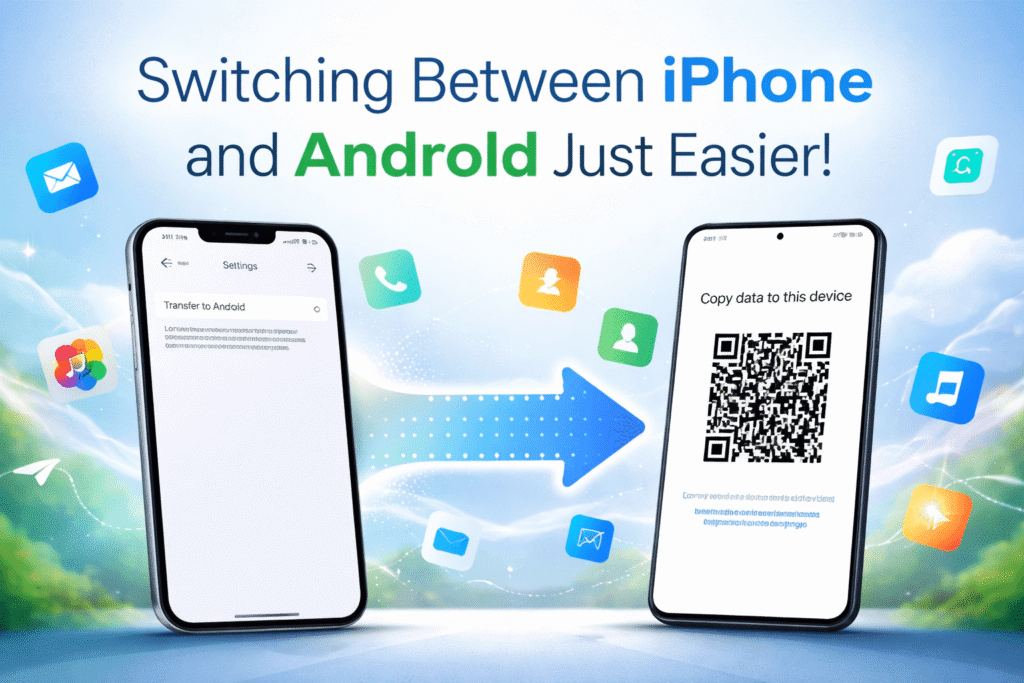
For years, switching between iPhone and Android felt like escaping a trap. Once you chose a side, moving your data to the other platform was slow, frustrating, and often incomplete. It was no accident—tech companies intentionally built ecosystems that made leaving inconvenient.
Think about it: when you buy a new car, you can easily switch from Toyota to Subaru without losing your cloud-stored photos or messages. But switch from iPhone to Android, and you risk losing key data or upsetting your group chats. That’s changing, thanks to an unexpected collaboration between Apple and Google.
A Game-Changing Partnership
In a rare move, Apple and Google worked together to make switching phones easier for everyone. This began when Google added transfer features to Android Canary, and Apple followed with iOS 26.3. The latest iOS update now includes a built-in “Transfer to Android” option—no third-party apps or complicated setup required.
With it, users can move photos, contacts, calendars, messages, and call history from an iPhone directly to an Android device. That means less time worrying about backups and more freedom to choose the phone that fits your needs.
How to Use the New Transfer Tool
Here’s how it works:
- Update your iPhone to iOS 26.3.
- Go to Settings → General → Transfer or Reset iPhone → Transfer to Android.
- Make sure both phones are on Wi-Fi, running the latest updates, and have Bluetooth enabled.
- Keep your Android device in setup mode.
- Scan the QR code on the Android screen with your iPhone or enter the pairing code manually.
- Choose what you want to move—photos, contacts, calendars, call history, or messages.
- Optionally, transfer your eSIM by double-clicking your iPhone’s side button when prompted.
Some data like health information or paired Bluetooth devices won’t transfer yet, but for most users, the process is now much smoother. For the reverse direction (Android → iPhone), Apple’s Move to iOS app still handles migration until Google updates its own system.
Why It Matters
This partnership isn’t just about convenience—it’s about digital freedom. Both Apple and Google have faced growing pressure from the European Union and regulators worldwide to reduce “lock-in” practices that trap users in closed ecosystems.
By enabling smoother transfers, they’re giving consumers real control over their data. Yes, each company risks losing some customers—but they also stand to gain new ones who value openness and ease of use.
The bigger picture? Healthy competition means better products, fairer choices, and a more user-friendly tech world.
The Takeaway
Switching between iPhone and Android no longer has to be painful. Whether you’re moving to a new Samsung Galaxy, Google Pixel, or back to an iPhone, you can now bring your memories, messages, and contacts with you in just a few taps.
Apple and Google’s cooperation marks a turning point: the beginning of an era where your data belongs to you, not to the brand of your phone.