Educative Article

10 Android Hacks Every User Should Master

10 Android Hacks Every User Should Master

Android is one of the most flexible mobile operating systems, yet many users barely scratch the surface of its capabilities. You don’t need to root your phone or install complicated apps to unlock powerful features—most of them are already hidden in your system settings or Developer Options. By exploring these options, you can optimize performance, extend battery life, improve privacy, and customize your interface to suit your needs. Here are ten essential Android hacks you can start using today.

10 Android Hacks Every User Should Master Read More »

1. Use a Strong Password Manager

Essential Online Privacy Hacks You Need to Know

The internet has revolutionized how we connect, learn, and work—but it also comes with serious privacy risks. Big tech companies constantly collect data, and scammers are always on the lookout for vulnerabilities. Protecting your online privacy isn’t a one-time task; it requires consistent effort and smart habits. Here are ten practical strategies you can apply right away.

Essential Online Privacy Hacks You Need to Know Read More »

How Google Workspace’s New AI Features Can Boost Your Productivity

How Google Workspace’s New AI Features Can Boost Your Productivity

Google has recently enhanced its Workspace suite—Docs, Sheets, Slides, and Drive—by integrating more advanced AI tools powered by Gemini. These updates aren’t just flashy add-ons; they can genuinely help users save time, stay organized, and create content more efficiently. Here’s a closer look at what’s new and how you can make the most of it.

How Google Workspace’s New AI Features Can Boost Your Productivity Read More »

Smarter Playlists How Spotify Is Using BPM to Improve Your Listening Experience

Smarter Playlists How Spotify Is Using BPM to Improve Your Listening Experience

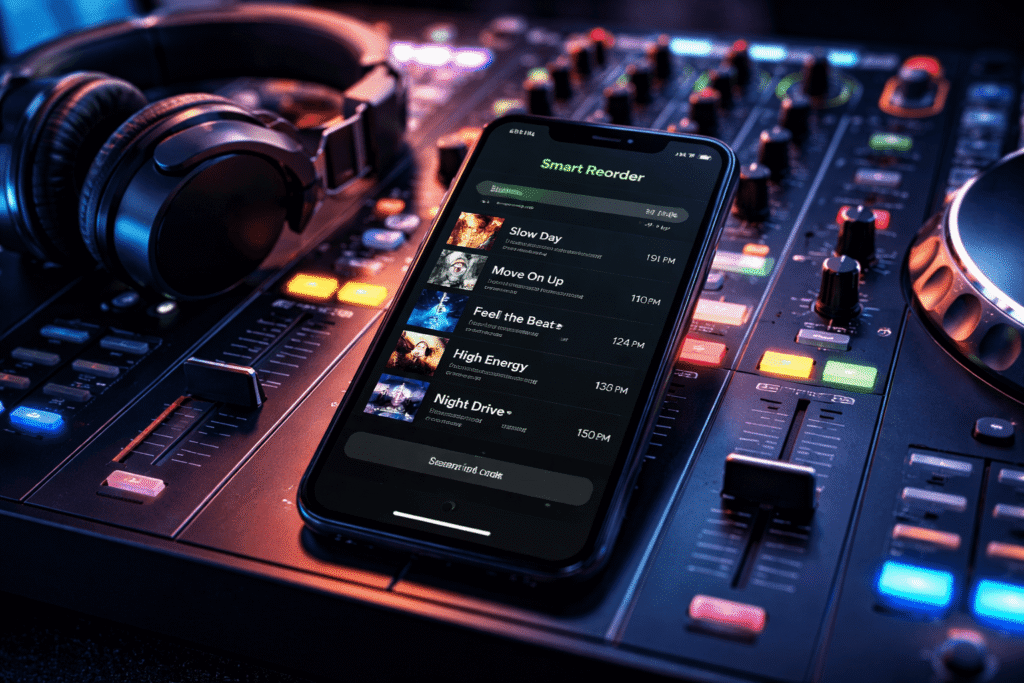
Music streaming isn’t just about access anymore—it’s about control. Platforms like Spotify are increasingly giving users smarter tools to shape how they listen. One of the most interesting additions is a feature called Smart Reorder, designed to automatically organize your playlists based on musical structure, not guesswork.

This article breaks down what it is, how it works, and when you should (and shouldn’t) use it.

Smarter Playlists How Spotify Is Using BPM to Improve Your Listening Experience Read More »

Scroll to Top