
Smarter Playlists How Spotify Is Using BPM to Improve Your Listening Experience
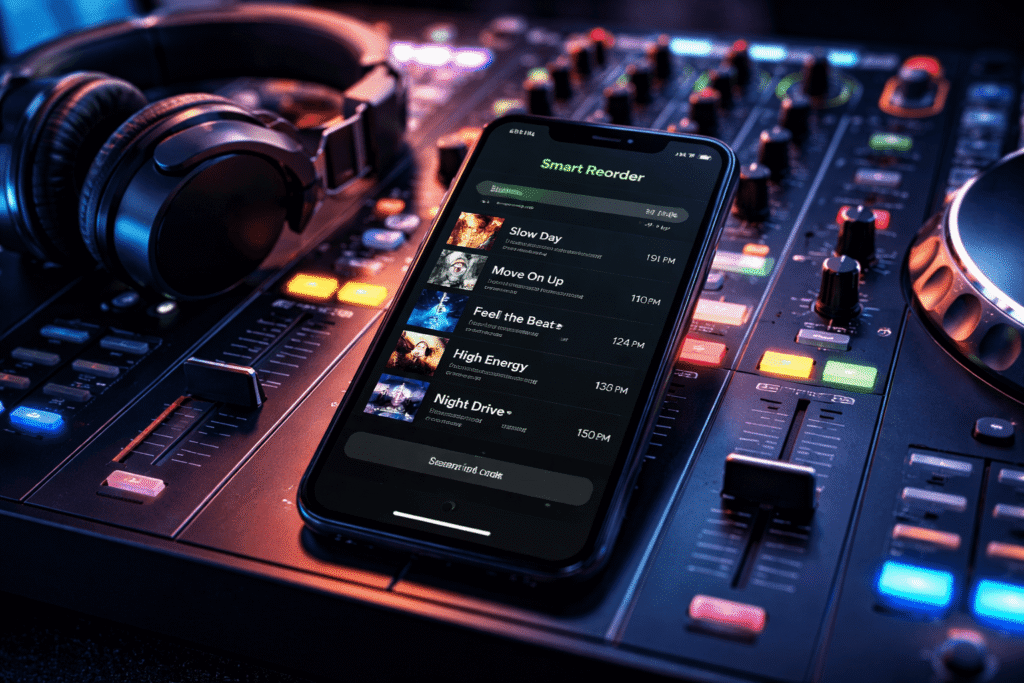
Music streaming isn’t just about access anymore—it’s about control. Platforms like Spotify are increasingly giving users smarter tools to shape how they listen. One of the most interesting additions is a feature called Smart Reorder, designed to automatically organize your playlists based on musical structure, not guesswork.
This article breaks down what it is, how it works, and when you should (and shouldn’t) use it.
What Is Smart Reorder?
Smart Reorder is a playlist-sorting feature that arranges songs based on two core musical elements:
- BPM (Beats Per Minute): The tempo or speed of a song
- Key: The musical scale the song is written in
By analyzing these, Spotify can restructure your playlist so that songs flow more naturally—either by gradually increasing energy or maintaining harmonic consistency.
This isn’t random sorting. It’s based on real music theory.
Why BPM-Based Sorting Matters
Most people build playlists manually, often without thinking about tempo progression. That leads to messy transitions—slow song, fast song, slow again. It kills momentum.
Sorting by BPM fixes that.
For example:
- A workout playlist can start slow and build intensity
- A study playlist can maintain a steady, non-distracting pace
- A party mix can gradually escalate energy
Instead of guessing the order, the system does the optimization for you.
Important Limitations (Don’t Ignore This)
Before you get excited, there are constraints:
Premium Only
You must be a paid subscriber to access this feature.Playlist Restrictions
It only works on:Playlists you created
Playlists enhanced using Spotify’s mixing tools
Feature Dependency
Smart Reorder is tied to Spotify’s mixing system. If that system isn’t available in your region, neither is Smart Reorder.No Undo Button
Once you apply it and save, your original order is gone unless you made a backup.
That last point matters. A lot.
How to Use Smart Reorder
If you have access, the process is simple:
- Open your playlist
- Tap Edit
- Scroll down and select Smart Reorder
- Let Spotify rearrange your tracks
- Tap Save to apply changes
That’s it. No manual dragging needed.
Best Use Cases (Where It Actually Works Well)
Smart Reorder is not universally useful. It shines in specific scenarios:
✔️ Great for:
- Gym and running playlists (gradual intensity buildup)
- Long drives (smooth progression)
- Focus playlists (consistent tempo)
❌ Not ideal for:
- Interval workouts (you need high-low energy switching)
- Story-driven playlists (where song order is intentional)
- DJ-style mixes requiring precise transitions
In other words, if your playlist has a purposeful structure, this feature might ruin it.
Critical Tip: Always Duplicate Your Playlist First
Before using Smart Reorder, create a backup.
Here’s the logic:
- The feature overwrites your arrangement
- There’s no automatic revert
- If you don’t like the result, you’re stuck
To duplicate a playlist:
- Open the playlist
- Tap the three-dot menu
- Select Add to other playlist
- Create a new playlist copy
It takes 10 seconds and saves you from losing your original work.
How It Compares to Other Platforms
Spotify is clearly pushing ahead in playlist intelligence.
For instance, Apple Music offers features like AutoMix, but those mainly focus on transitions between songs, not restructuring entire playlists based on tempo or key.
That’s a fundamental difference:
- Apple Music → smooth playback
- Spotify → structural control
Right now, Spotify is more advanced in this specific area.
Final Take
Smart Reorder is a solid feature—but only if you understand its logic.
It’s not magic. It’s math applied to music.
If you want:
- Better flow
- Less manual effort
- Data-driven playlist structure
Then it’s useful.
If you care about:
- Exact song placement
- Emotional sequencing
- Creative control
Then don’t rely on it blindly.
Use it as a tool—not a replacement for taste.