
Take Control of Your Android Notifications with BuzzKill
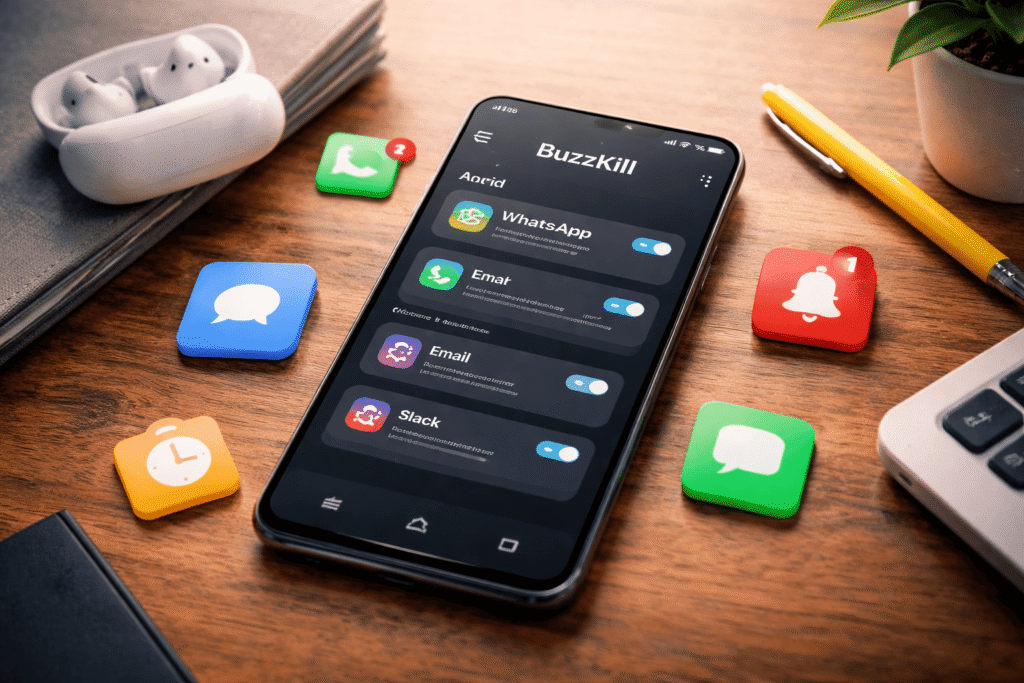
If you’ve ever felt overwhelmed by constant pings, dings, and buzzes from your phone, you’re not alone. Notifications are meant to keep us informed—but when they start interrupting our focus every few minutes, they become a digital burden. On the other hand, silencing everything means you might miss something truly important, like a message from family or a delivery update.
While Google and Apple have steadily improved their notification systems over the years, Android users still crave more flexible control. That’s where BuzzKill comes in—a small but powerful app designed to give you total command over your alerts.
What Is BuzzKill and Why It Stands Out
BuzzKill is a premium Android app (priced at about $4) that lets you customize exactly how and when notifications appear on your device. Unlike Android’s built-in Do Not Disturb or Focus modes, BuzzKill allows you to create rules—automated actions triggered by specific types of notifications.
The app is light, privacy-respecting, and doesn’t rely on an internet connection. Though there’s no free version, the developer offers a refund if you’re not satisfied.
In short, BuzzKill is like having a smart assistant for your phone’s alerts—one that knows what’s worth your attention and what can wait.
How BuzzKill Works: Creating Smart Notification Rules
When you first open the app, it requests permission to access your notifications. Once granted, you can start building your first rule by tapping “Create Rule.” Think of this process like setting filters for your email inbox.
Each rule has two parts:
Identifying the notification – Choose the app (e.g., WhatsApp, Uber, Instagram, etc.) and specify criteria such as words or phrases in the notification, or whether it includes an image or comes from a group chat.
Setting the action – Decide what happens when a notification meets those criteria. For instance:
- Mute it completely
- Let it bypass silent mode (for crucial alerts)
- Trigger a unique vibration pattern
- Run a Tasker command for advanced automation
You can also combine multiple filters to create complex, targeted rules. For example, you could silence all group messages that contain images—but still let individual chats buzz through.
Managing and Monitoring Your Notifications
Once your rules are in place, BuzzKill makes them easy to manage. From the Rules tab, you can toggle rules on or off, duplicate them, or delete outdated ones.
The History tab offers a detailed log of your past notifications, helping you analyze where most distractions come from. You can even turn a past notification directly into a new rule with a single tap.
If you’re short on ideas, the Explore tab showcases creative rule examples—like auto-replying to messages, delaying multiple notifications that arrive at once, or snoozing alerts during meetings.
Lastly, the Settings tab allows deeper customization:
- Control “persistent” notifications that normally can’t be cleared
- Add quick-access shortcuts to your Android home screen or Quick Settings panel
- Export your rules to another device securely
Why BuzzKill Is Worth Trying
BuzzKill’s greatest strength is its balance—it gives you deep control without being complicated. It helps you silence distractions without going off-grid, ensuring that your phone serves you, not the other way around.
For Android users tired of constant interruptions, BuzzKill isn’t just another utility app—it’s a productivity tool that redefines how you interact with your smartphone.
Final Thought:
Digital wellness starts with mastering your notifications. BuzzKill gives you that mastery—helping you focus, respond intentionally, and reclaim peace from your smartphone chaos.