
The Simplest Way to Keep Your Gmail Inbox Clean and Organized
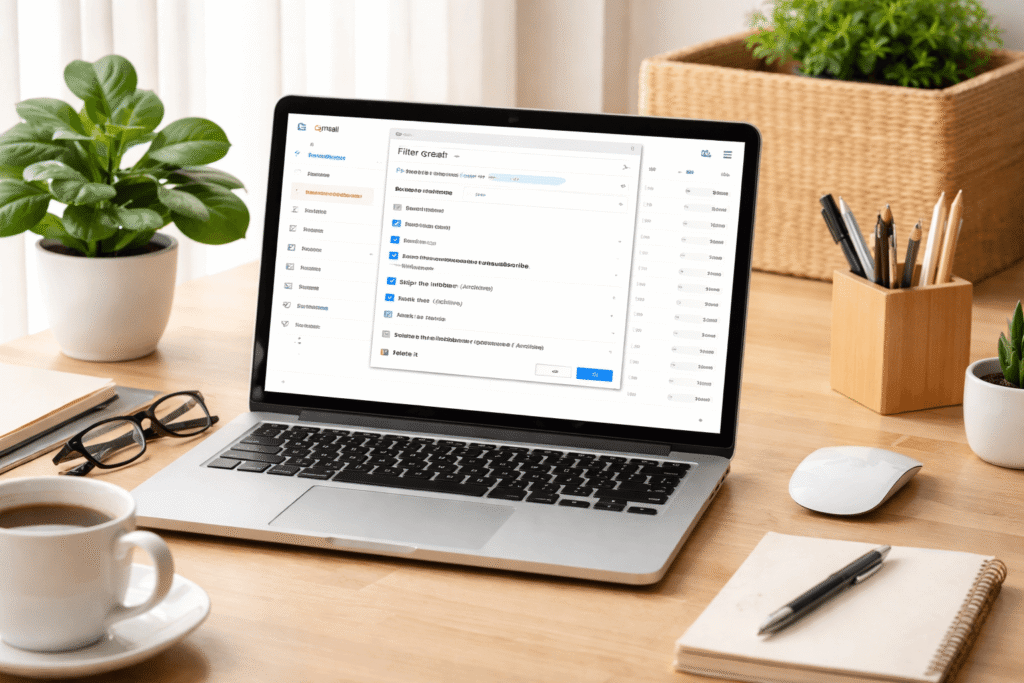
No matter how disciplined you are with checking emails, staying on top of a crowded inbox is a challenge—especially with mailing lists constantly flooding your Gmail. These newsletters, promotions, and updates can make it hard to spot emails that actually matter, and they pile up quickly if you turn off notifications.
The solution? Gmail filters—a powerful, often underutilized tool that can help you automatically manage incoming emails and keep your inbox clutter-free.
How Gmail Filters Can Help You
Instead of manually unsubscribing from every mailing list or using a third-party tool, you can set up Gmail filters to automatically sort or remove unwanted emails. Here’s a step-by-step guide:
Open an email from a mailing list: Click the three-dot menu in the top-right corner of the email.
Select “Filter messages like these”: This option lets you create rules based on the sender, recipients, subject, or even keywords.
Use the keyword “unsubscribe”: Most legitimate newsletters include this term. Enter it in the “Has the words” field.
Create your filter: Click “Create filter” and choose what happens to emails that match your criteria. Options include:
- Archive: Keeps the email but removes it from your inbox.
- Mark as read: Automatically marks these messages as read.
- Delete: Permanently removes the emails.
- Star or forward: Highlight important newsletters or forward them elsewhere if needed.
Best Practices for Filtering Emails
Archive instead of delete: Archiving ensures you can retrieve emails later if needed. Deleting is permanent, so only use it if you’re sure you’ll never want that content again.
Unsubscribe from unwanted lists: Filters help manage your inbox, but unsubscribing is the long-term solution. Gmail makes this easy with an “Unsubscribe” button at the top of emails.
Use Gmail’s “Manage Subscriptions” tool: This feature allows you to see all active subscriptions and quickly remove ones you no longer need, keeping future emails from cluttering your inbox.
The Bottom Line
Filters in Gmail are a simple yet powerful way to regain control of your inbox. By combining filtering with strategic unsubscribing, you can reduce distractions, focus on the messages that matter, and maintain a cleaner, more organized email workflow.