
This Free iPhone App Lets You Compress Videos Offline Without Losing Quality
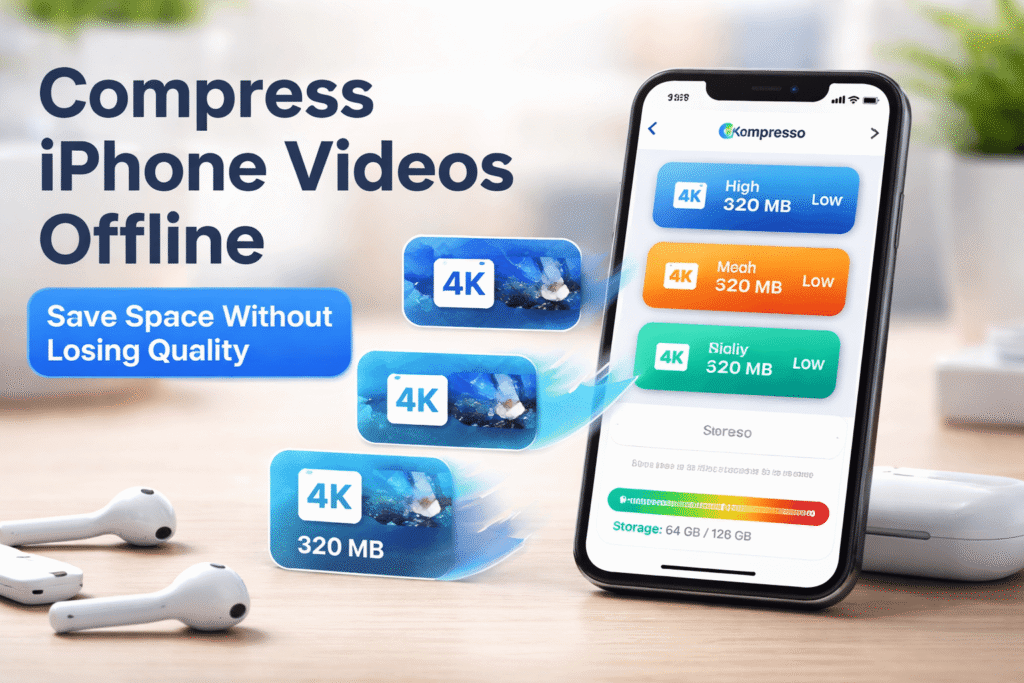
Tired of running out of iPhone storage because of huge 4K videos? Meet Kompresso—a free, offline app that compresses videos without sacrificing quality. Here’s how it works, and why it’s the smartest way to manage your phone’s space.
The Problem: Great Quality, Terrible Storage Impact
Apple’s 4K 60fps video recording looks incredible—until those clips start consuming your iPhone’s storage faster than you expect. Before you know it, you’re deciding between family memories and travel highlights. But the truth is, not every video needs to stay in full resolution.
That’s where Kompresso comes in.
Why Compressing iPhone Videos Makes Sense
Compressing videos isn’t just for emergencies. It’s a practical step that helps your phone run smoothly, saves data, and avoids unnecessary costs.
1. Free Up Storage Instantly
High-resolution videos can easily occupy tens of gigabytes. Compressing them reclaims space without deleting content.
2. Faster Uploads and Sharing
Smaller files upload more quickly to YouTube, WhatsApp, or Google Drive—and use less mobile data.
3. Quicker Transfers
Whether moving files to a computer or cloud drive, reduced file sizes mean faster transfers.
4. Better Playback Compatibility
A 4K video may play fine on your iPhone but stutter on older devices or TVs. Compression fixes that problem.
5. Lower iCloud Costs
Apple’s iCloud plans (50 GB, 200 GB, 2 TB) fill up quickly. Compressing a few large videos might save you from upgrading—and spending an extra $120 per year.
How Video Compression Actually Works
Video compression removes redundant data, not visible content. It looks for repeating patterns within frames and across sequences to store information more efficiently.
For example:
- A large blue sky might be stored as one color block instead of millions of identical blue pixels.
- Static backgrounds across frames are saved once rather than repeatedly.
Good compression tools like Kompresso achieve this with almost no visible loss in quality. If you ever see pixelation or blockiness, you can adjust the settings and recompress at a higher quality.
How to Compress iPhone Videos Using Kompresso
One of Kompresso’s biggest advantages is that it works entirely offline, using your iPhone’s processing power—so your videos never leave your device. No uploads, no waiting, no privacy concerns.
Steps:
Open the Kompresso app and select your video.
Pick a quality preset:
High Quality: keeps resolution, saves ≈ 30 % space.
Medium Quality: drops to 720 p, saves ≈ 50 %.
Low Quality: down to 480 p (if you really need space).
Advanced Mode (optional):
Fine-tune compression levels: Less Space, Balanced, Better Quality.
Choose H.265 encoding for higher efficiency.
Adjust resolution, frame rate, and export format.
Tap Compress and wait for processing.
Save or share the new video, delete the original, and clear Recently Deleted to reclaim full space.
Kompresso allows three free compressions per day. You can unlock unlimited use for $1.99 per month or buy lifetime access for $9.99.
The Takeaway
Video compression isn’t just about storage—it’s about control. Kompresso gives you the ability to manage space, save bandwidth, and avoid unnecessary subscription costs, all while keeping your videos looking great.
If you record frequently on your iPhone, this simple app could be one of your most practical tools in 2026.