
What to Do If Your Phone Gets Lost or Stolen: A Step-by-Step Guide
Losing your phone—or having it stolen—can be more than just inconvenient. These small devices contain a wealth of personal and sensitive information, from private conversations to banking details, and even access to your social media accounts. Taking the right steps immediately can protect your data, prevent unauthorized access, and increase the chances of recovering your device. Here’s a clear, actionable guide on what to do if your phone goes missing.
1. Lock Your Phone Remotely
Both iOS and Android devices have built-in tools that allow you to lock your phone from a distance—but only if you set them up beforehand.
For iPhone:
- Go to Settings > Face/Touch ID & Passcode to secure your lock screen.
- Turn on Stolen Device Protection to require authentication for certain actions.
- Open Settings > [Your Name] > Find My, then enable Find My iPhone. This lets you locate, lock, or erase your device remotely.
For Android:
- On Pixel phones: Settings > Security and Privacy > Device Unlock / Device Finders
- On Samsung Galaxy phones: Settings > Security and Privacy > Lock Screen / Lost Device Protection
If your device goes missing:
iPhone: Log in to iCloud.com and access Find My. You can see the last known location, enable Lost Mode (which displays your contact info), or wipe the device remotely.
Android: Use Find My Device (Google) or SmartThings Find (Samsung) to track, lock, or erase your phone. Avoid confronting anyone directly—tracking is for recovery, not retrieval.
2. Reset Your Account Logins
Even if your phone is locked, it’s wise to secure your accounts proactively.
- Change passwords on critical apps such as email, social media, and banking. This logs your account out of all devices, including the lost phone.
- Enable two-factor authentication (2FA) wherever possible. It adds an extra layer of protection in case your credentials are compromised.
- Review device activity:
- On Instagram, use Where You’re Logged In to log out remotely.
- For Google accounts, visit the Security section and click Manage Devices.
- On macOS, check System Settings > Apple ID to see all signed-in devices.
Regularly reviewing and managing connected devices helps prevent unauthorized access and alerts you to suspicious activity.
3. Notify Key People and Institutions
Certain people and organizations should be informed immediately if your phone is missing:
- Your carrier: They can block your number, preventing misuse or unauthorized charges. A stolen SIM can also allow attackers to intercept verification codes.
- Your bank or financial institutions: Most apps have biometric protection, but alerting your bank is an extra precaution against unauthorized transactions.
- Friends and family: Let them know your phone is missing so they can be cautious about suspicious messages that may appear to come from you, including scams requesting money or phishing links.
4. Stay Calm and Organized
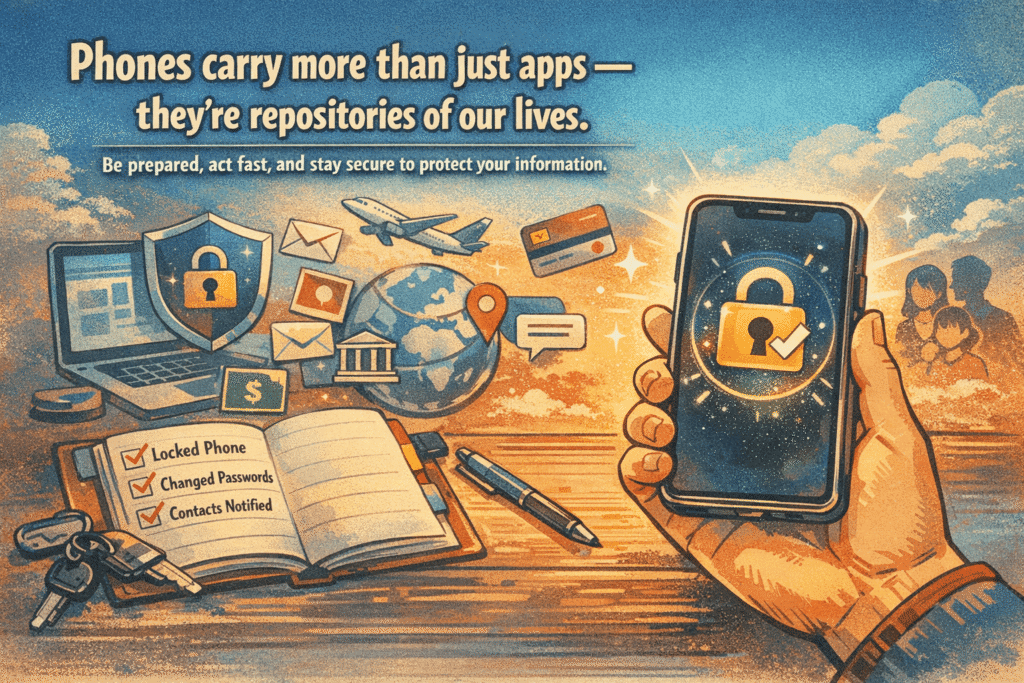
Losing a phone can be stressful, but acting quickly and methodically reduces the risk of identity theft, financial loss, and privacy breaches. Keep a written or digital record of the steps you’ve taken—lock status, accounts changed, and people notified. If your phone is ever recovered, you’ll be able to return it safely and resume normal use without compromising your security.
Takeaway: Phones carry more than just apps—they’re repositories of our lives. Preparing in advance, acting fast when a device is lost, and securing accounts immediately can prevent a minor accident from turning into a major security issue.