
5 Advanced Apple Reminders Features That Turn It Into a Task Management System Part 2
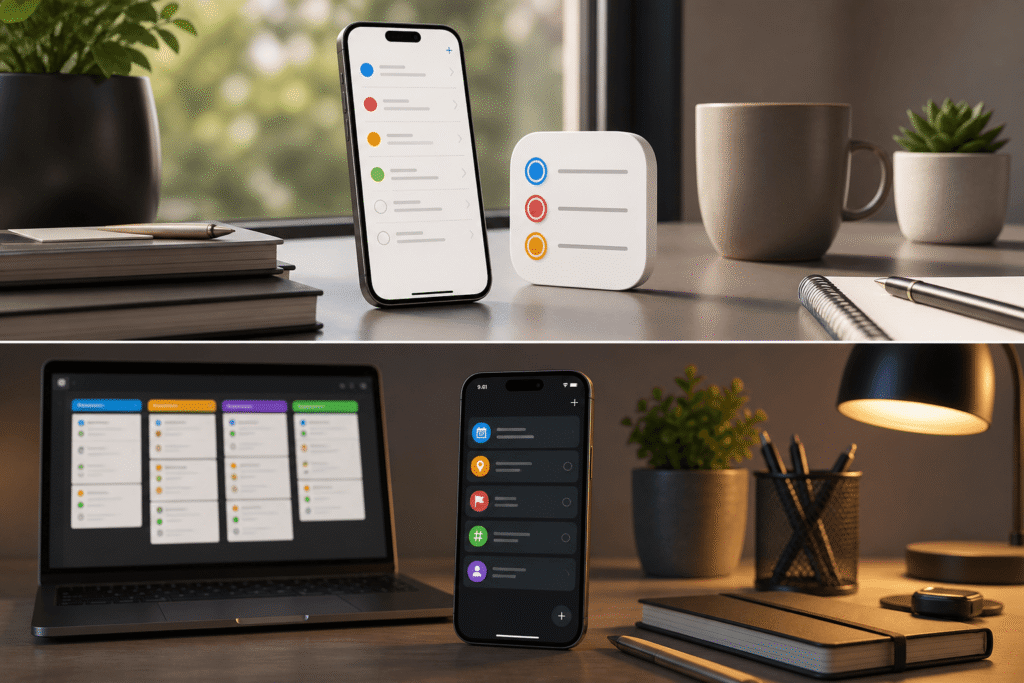
Once you’ve mastered the basics, the next step is structure. These features shift you from casual usage to intentional productivity.
6. Collaborate With Shared Lists
Productivity isn’t always solo.
You can create shared lists and assign tasks to others. Whether it’s family planning or team coordination, everyone sees updates in real time.
It’s not as complex as tools like Todoist, but that’s the advantage—less friction, faster adoption.
7. Save Time With Reusable Templates
Rebuilding the same lists repeatedly is inefficient.
Templates let you save a fully structured list—including tasks, subtasks, and sections—and reuse it instantly.
Perfect for:
- Weekly planning
- Content calendars
- Recurring workflows
You eliminate setup time entirely.
8. Break Down Complex Tasks Using Subtasks
Big tasks fail because they’re vague.
Subtasks force clarity by breaking a goal into actionable steps. Instead of “Finish project,” you get:
- Research
- Draft
- Edit
- Publish
This reduces procrastination and improves execution because each step is specific and manageable.
9. Use Tags to Organize Without Complexity
Folders are rigid. Tags are flexible.
By adding simple labels like:
- #work
- #personal
- #urgent
…you can group tasks across different lists instantly.
This creates a lightweight organization system without constant restructuring.
10. Build Smart Lists That Organize Tasks Automatically
Smart Lists are where Reminders becomes powerful.
They act as dynamic filters, pulling tasks based on conditions like:
- Tags
- Due dates
- Priority
- Location
For example, you can create a list that shows:
“All work tasks due this week with high priority.”
Instead of searching for tasks, the system surfaces exactly what matters—automatically.
Final Takeaway
If you’re using Apple Reminders as a basic checklist, you’re underutilizing it.
The real shift is this:
- Stop relying on memory
- Start building systems
Once your tasks are organized by context, priority, and automation, productivity stops being effort-driven—and starts becoming predictable.