Educative Article

Avoid Spam Trigger Words How to Keep Your Emails Out of the Spam Folder

Avoid Spam Trigger Words: How to Keep Your Emails Out of the Spam Folder

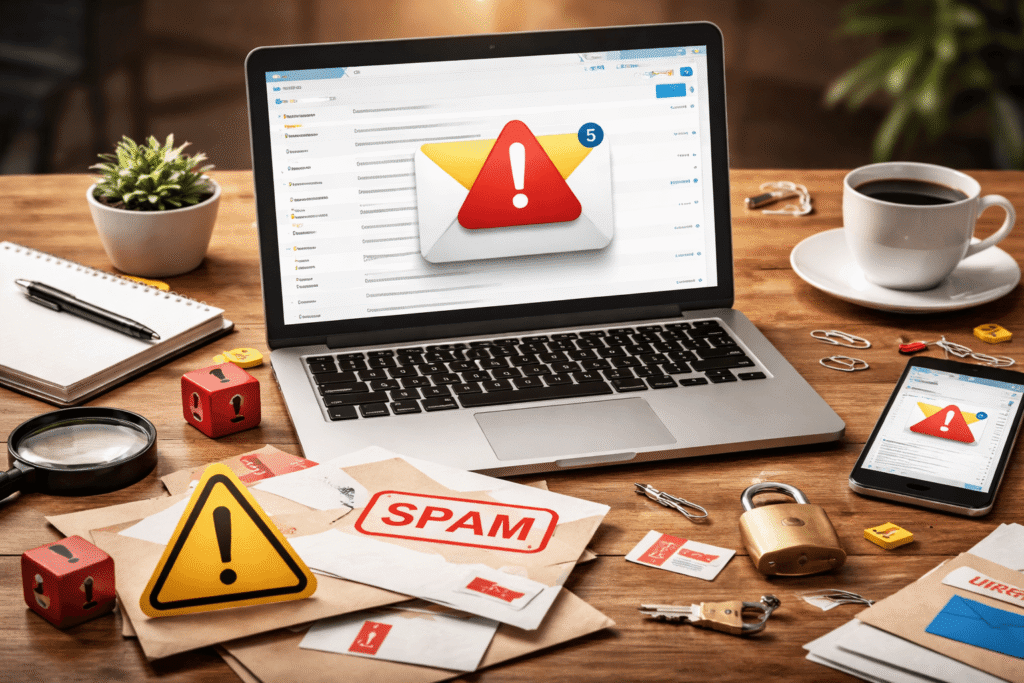
Email marketing remains one of the most effective ways for businesses to communicate with their audience. Whether you’re sending newsletters, promotional campaigns, or business updates, email allows you to reach people directly. However, one major challenge many marketers face is email deliverability—the ability of your email to reach the recipient’s inbox instead of the spam folder.

Avoid Spam Trigger Words: How to Keep Your Emails Out of the Spam Folder Read More »
Use the One-Touch Rule to Manage Your Email Inbox

Use the One-Touch Rule to Manage Your Email Inbox

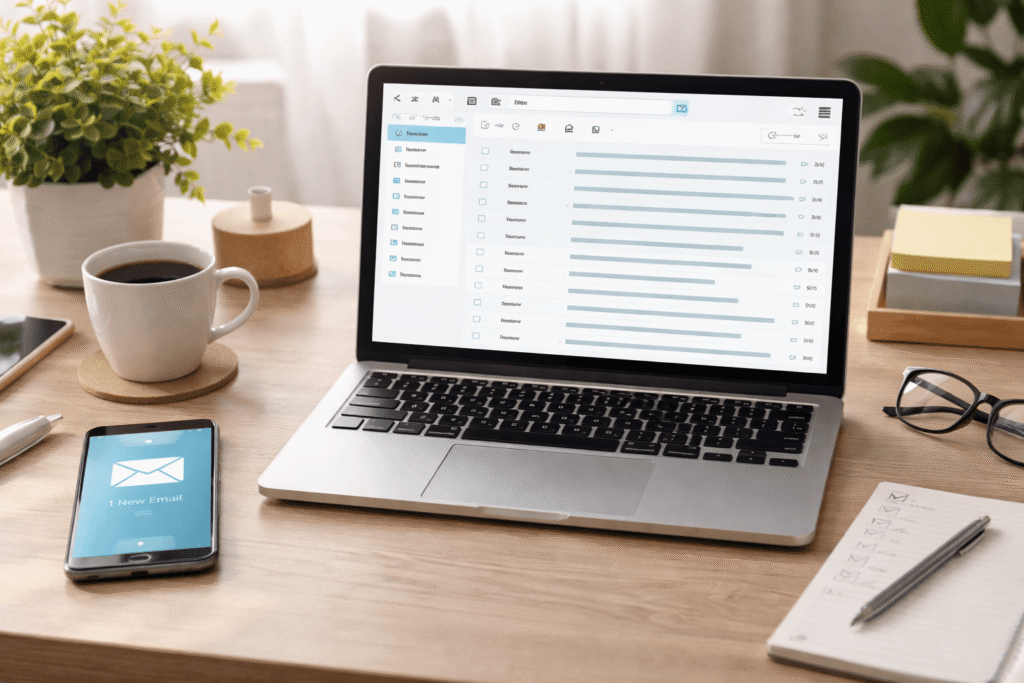
Email is one of the most important communication tools for work, school, and business. Yet for many people, it also becomes a major source of distraction and lost productivity. An inbox filled with unread messages, newsletters, updates, and requests can quickly become overwhelming. Instead of helping you stay organized, email can turn into a never-ending cycle of checking, rereading, and postponing replies.

Use the One-Touch Rule to Manage Your Email Inbox Read More »

AI Browsers Are They the Future of the Internet

AI Browsers: Are They the Future of the Internet?

The way we browse the internet is changing fast. For decades, browsers like Chrome, Firefox, and Edge have simply helped us access websites. But a new generation of tools is emerging—AI browsers. Instead of just showing search results, these browsers use artificial intelligence to summarize information, answer questions, and even perform tasks on your behalf.

AI Browsers: Are They the Future of the Internet? Read More »

The Simplest Way to Keep Your Gmail Inbox Clean and Organized

The Simplest Way to Keep Your Gmail Inbox Clean and Organized

No matter how disciplined you are with checking emails, staying on top of a crowded inbox is a challenge—especially with mailing lists constantly flooding your Gmail. These newsletters, promotions, and updates can make it hard to spot emails that actually matter, and they pile up quickly if you turn off notifications.

The solution? Gmail filters—a powerful, often underutilized tool that can help you automatically manage incoming emails and keep your inbox clutter-free.

The Simplest Way to Keep Your Gmail Inbox Clean and Organized Read More »

Take Control of Your Android Notifications with BuzzKill

Take Control of Your Android Notifications with BuzzKill

If you’ve ever felt overwhelmed by constant pings, dings, and buzzes from your phone, you’re not alone. Notifications are meant to keep us informed—but when they start interrupting our focus every few minutes, they become a digital burden. On the other hand, silencing everything means you might miss something truly important, like a message from family or a delivery update.

Take Control of Your Android Notifications with BuzzKill Read More »

The Best Third-Party Camera Apps for iPhone

The Best Third-Party Camera Apps for iPhone 

The iPhone camera is one of the best in the smartphone world — fast, easy to use, and capable of stunning results straight out of the box. The default Apple Camera app handles most everyday photography needs beautifully. But when you want complete creative control, you’ll soon find its limitations — no manual shutter speed, limited ISO control, and Apple’s built-in post-processing that automatically edits every shot.

That’s where third-party iPhone camera apps shine. These apps give you manual settings, pro-level customization, and advanced tools to help you shoot exactly the way you want. Below are the best camera apps for iPhone users  — from casual photographers to professionals.

The Best Third-Party Camera Apps for iPhone  Read More »

How to Manage Your Increasingly Desperate App Notifications

How to Manage Your Increasingly Desperate App Notifications

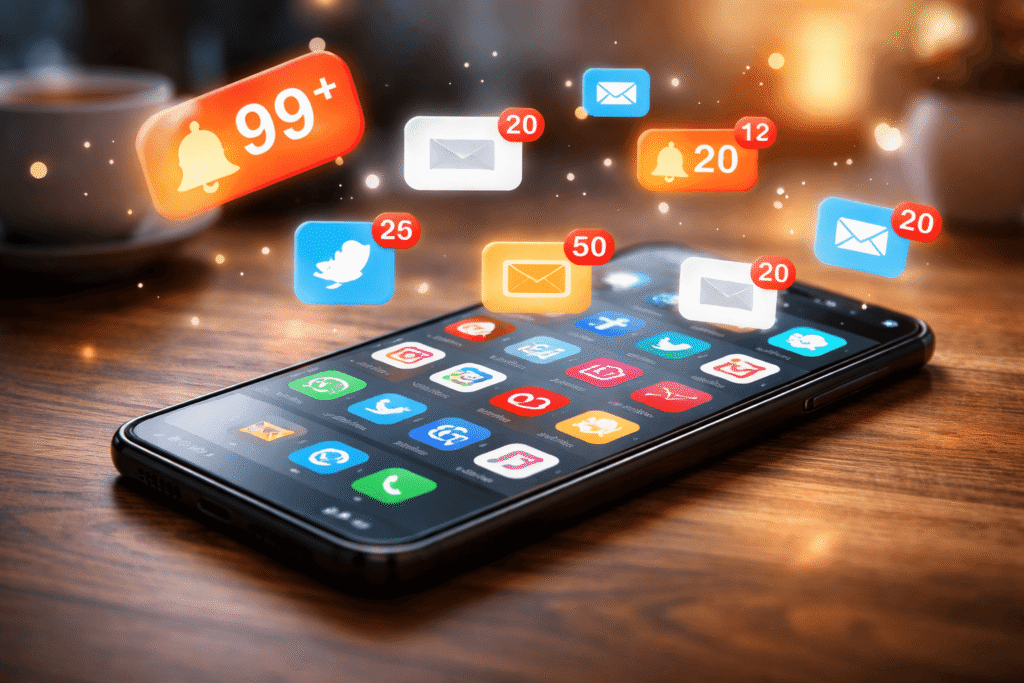
Do you ever feel like your phone won’t stop buzzing? Every app, from Facebook Messenger to Grubhub, seems desperate for your attention — sending constant pings, reminders, and “updates” that don’t really matter.

What began as helpful alerts has become a modern-day attention war. Let’s break down why notifications are getting worse and, more importantly, how you can take control.

How to Manage Your Increasingly Desperate App Notifications Read More »

4 Smart Ways to Recover Lost Work in Microsoft Word

4 Smart Ways to Recover Lost Work in Microsoft Word

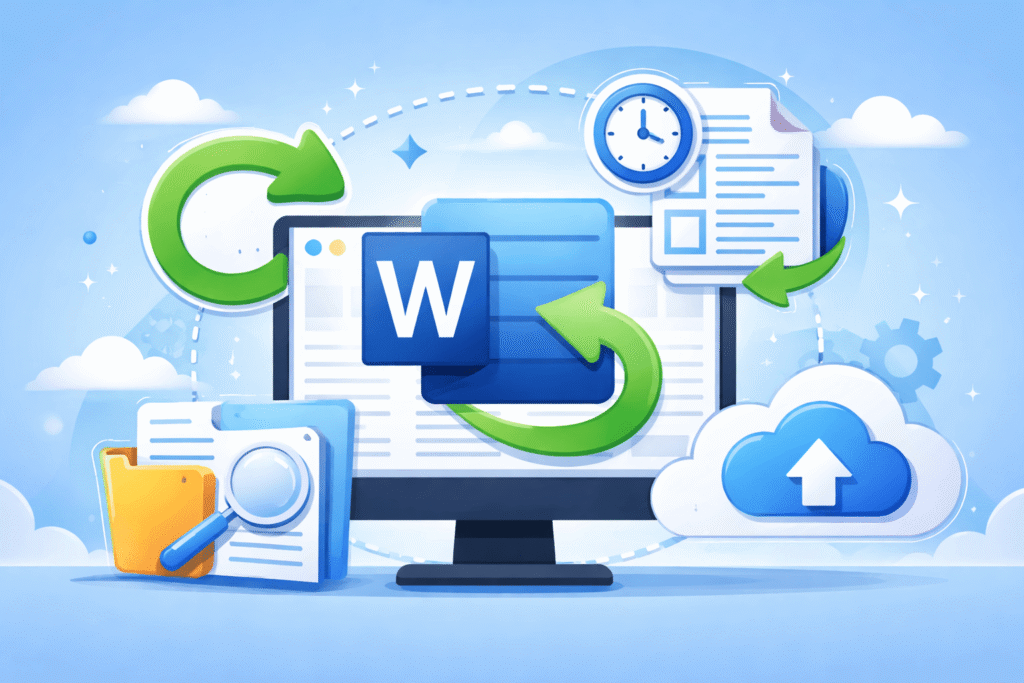
Few things are more frustrating than losing hours of work in Microsoft Word. Maybe you closed the file without saving, deleted a section by mistake, or your computer suddenly crashed.

Before you start rewriting everything from scratch, take a breath — Microsoft Word has built-in tools that can help you recover your lost work. Here are four proven recovery methods that every user should know.

4 Smart Ways to Recover Lost Work in Microsoft Word Read More »

Scroll to Top