
What Is Roblox and How Can It Be Used in Education?
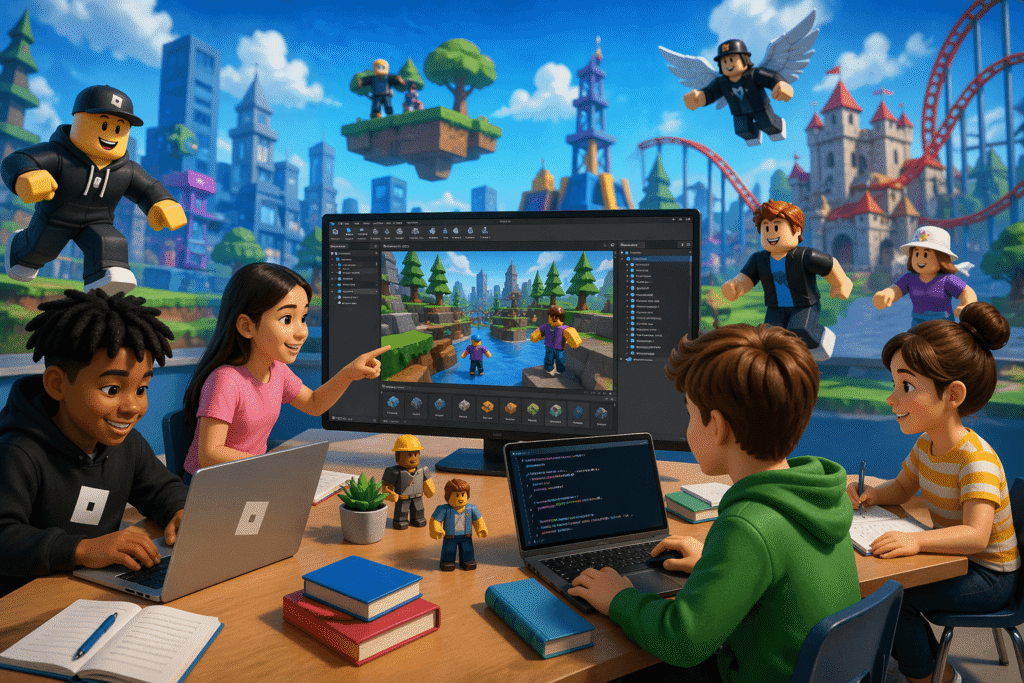
Roblox is often seen as just another popular game—but that’s an incomplete view. At its core, Roblox is a user-generated platform where players don’t just play games—they build them.
For educators and students, that changes everything.
Instead of passive consumption, Roblox offers an interactive environment where learners can design, experiment, collaborate, and even earn. When used intentionally, it becomes a powerful digital learning tool—not just entertainment.
Understanding Roblox: More Than a Game
Roblox is a browser-based and app-based platform that hosts millions of user-created 3D experiences. These experiences are built using Roblox Studio, a development environment that allows users to create their own games and virtual worlds.
What makes Roblox unique is its structure:
- It is open-ended (no fixed gameplay)
- It is community-driven (users create content)
- It is interactive (multiplayer collaboration)
This makes it closer to a creative ecosystem than a traditional game.
How Roblox Works
Roblox operates in two main modes:
1. Playing Experiences
Users can explore millions of games across different categories—adventure, simulation, role-play, education, and more. Many of these are created by other users, including students and independent developers.
2. Creating Experiences
Using Roblox Studio, students can:
- Build 3D environments
- Script behaviors using Lua
- Design interactive systems
- Publish and share their creations
This dual structure allows learners to move from consumers to creators, which is where the real educational value lies.
Why Roblox Is Valuable for Learning
When used correctly, Roblox supports multiple areas of learning:
Coding and Computational Thinking
Students learn programming basics through Lua, including logic, variables, and problem-solving.
Creativity and Design
From world-building to character design, Roblox encourages visual storytelling and creative expression.
Collaboration and Teamwork
Multiplayer building projects require communication, planning, and shared responsibility.
Entrepreneurship and Digital Economy
Roblox uses a virtual currency called Robux. Students can monetize their creations, introducing concepts like:
- Pricing
- Value creation
- Digital trade
Key Educational Features
Roblox includes several tools that make it useful in classrooms:
- User-Friendly Development Tools – Easy entry into game design
- Community Resources – Tutorials, forums, and guides
- Multiplayer Collaboration – Build and test projects together
- Cross-Device Access – Works on mobile, PC, and tablets
There are also curriculum-aligned experiences available through Roblox’s learning ecosystem, covering subjects like math, language, and science.
Safety and Parental Controls: What You Should Know
Here’s the reality: Roblox is not inherently an educational platform. It’s a public ecosystem. That means risk exists.
While Roblox includes moderation systems, inappropriate content and interactions can still occur. So supervision isn’t optional—it’s necessary.
Key safety tools include:
- Content filtering based on age
- Chat and communication restrictions
- Screen time and spending limits
- Ability to block specific games
For younger users, controlled access and monitoring are essential.
What’s New in Roblox (2025–2026 Updates)
Roblox has made significant updates aimed at improving safety and educational usability:
Age-Based Experiences
New account categories better align content with age groups:
- Younger users get stricter controls
- Teens get more flexible access with safeguards
Expanded Parental Controls
Parents can now:
- Monitor game activity
- Track friendships
- Manage spending and screen time
- Control communication settings
Learning Hub
A dedicated space for educational content, offering structured experiences tied to subjects and grade levels.
AI-Powered Creation Tools
New AI features allow users to:
- Generate 3D models
- Create scripts from text prompts
- Translate experiences into multiple languages
- Improve collaboration workflows
These tools significantly lower the barrier to entry for beginners.
Cost: Is Roblox Free?
Roblox is free to use, including access to Roblox Studio.
However, many in-game features use Robux (virtual currency), which can be purchased through subscriptions:
- $4.99/month – 450 Robux
- $9.99/month – 1,000 Robux
- $19.99/month – 2,200 Robux
While optional, spending can add up quickly—so limits are important, especially for students.
Practical Ways Teachers Can Use Roblox
Here’s where most people get it wrong: they let students “just play.” That’s not education—that’s distraction.
If you’re going to use Roblox in learning, it needs structure.
1. Build a Virtual Classroom
Students can recreate their school environment digitally. This teaches spatial thinking, planning, and teamwork.
2. Game-Based Assignments
Instead of essays, students can:
- Design a historical simulation
- Build a science model
- Create a story-driven game
3. Collaborative Projects
Group tasks can involve building a shared world, reinforcing communication and coordination skills.
4. Reward Systems
Teachers can tie in-game achievements to real-world incentives like participation points or privileges.
Best Practices for Using Roblox Effectively
- Set clear objectives – Know what students should learn
- Use restricted accounts – Especially for younger users
- Monitor activity actively – Don’t assume filters are enough
- Focus on creation, not consumption – Building teaches more than playing
Final Take
Roblox is not automatically educational. It becomes educational only when used intentionally.
If students are just playing random games, the learning value is minimal. But if they are building, scripting, and collaborating, Roblox turns into a powerful tool for developing real-world skills—coding, design, teamwork, and even entrepreneurship.
Used carelessly, it’s a distraction.
Used strategically, it’s a learning engine.